

Three things shipped on JVZoo in the last six weeks. Most sellers haven’t turned any of them on yet.
Not a criticism. You’ve been busy running your business. That’s what the platform is for.
Two of the three affect how much you keep on every payout. The third one tells you whether your seller account is heading toward a suspension while you’re not looking. Skip this post and you’re the one who pays for it.
Order below matters. Start with number one.
1. The Seller Health Dashboard (start here)
Skip this one and you find out your visibility got cut after the marketplace already stopped showing your products. That’s how it used to work. Nobody told you your dispute rate was climbing until it was already a problem.
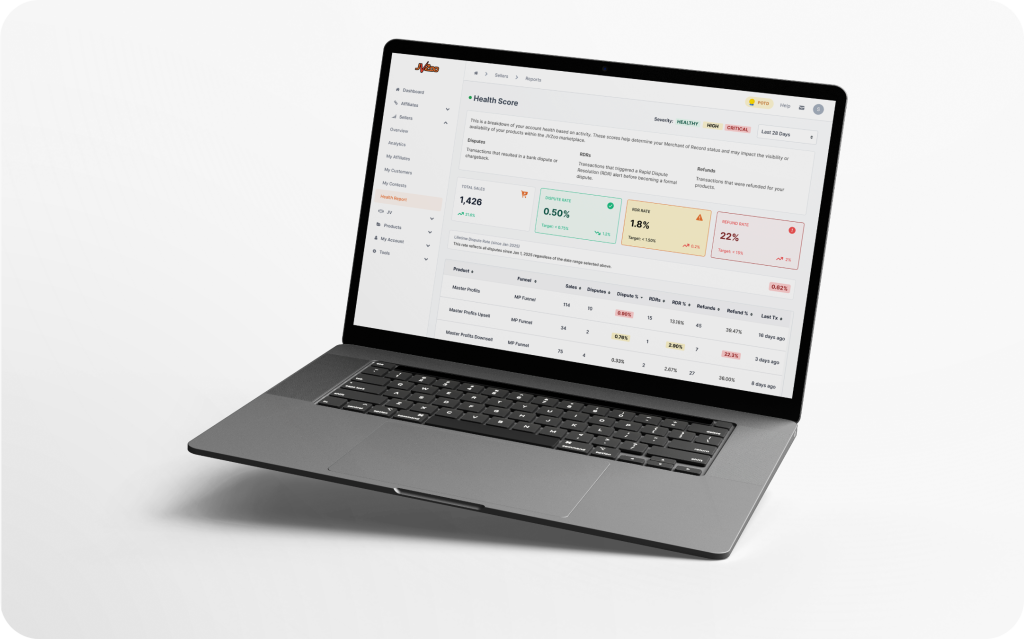
The Seller Health Dashboard shows you the same numbers we use to score your seller account: disputes, RDRs, and refunds. Everything is scored against published targets, broken down per product and per funnel.
Three rates decide your account standing: dispute rate (under 0.75%), RDR rate (under 1.50%), and refund rate (under 15%). Cross those lines and your Processing Services status changes. Your marketplace visibility shrinks. Nobody sends you a letter about it.
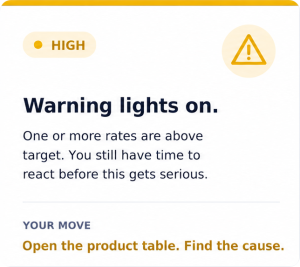
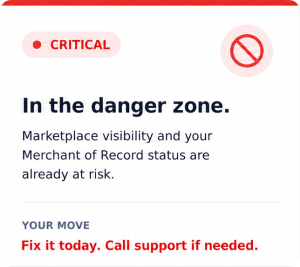
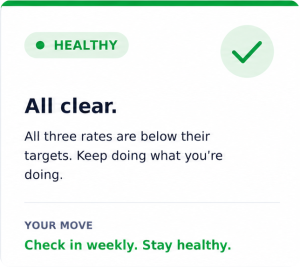
The badge at the top is HEALTHY (green), HIGH (yellow), or CRITICAL (red). Yellow means you still have time to react. Red means the marketplace is already treating you differently.
The part you’ll actually use is the product breakdown table. Most account health problems come from one bad product dragging the average down. The table shows you exactly which one.
Log in. Go to Sellers → Reports → Health Report. Five minutes weekly is enough. If everything’s green, keep going. If it’s not, you have information you didn’t have last month.
👉 Full walkthrough: Introducing the Seller Health Dashboard
2. The JVZoo Mobile App
You’ve been refreshing the dashboard on your laptop between meetings. Stop.
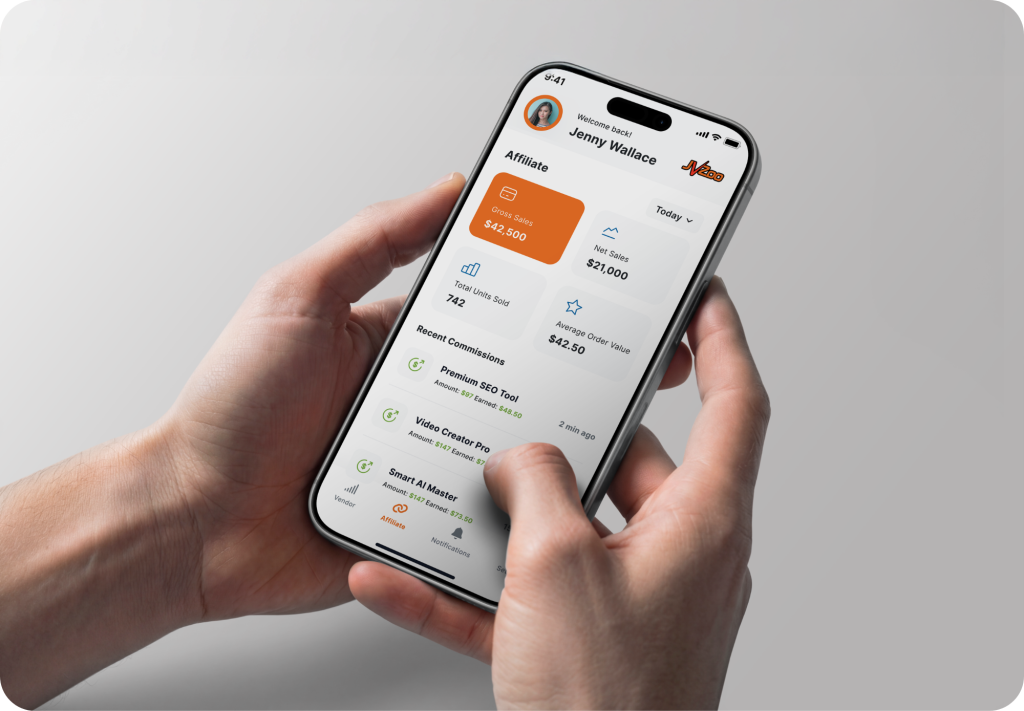
The JVZoo mobile app is live on iOS and Android. Free. Vendor tab and affiliate tab in one login, tap to switch between them.
Real-time sales feed if you sell. Real-time commissions if you promote. Push notifications on both, so your phone tells you the moment money moves.
The dashboard is fine. What actually changes your day is the notifications hitting your pocket when money moves. You stop checking. Your phone handles it.
Same JVZoo credentials, nothing to migrate. Download, log in, and you’re where the desktop left off.

3. The Tipalti Payouts Integration
Every payout you process without this one turned on costs you more than it needs to.
JVZoo now runs payouts through Tipalti. Automated runs on schedule, no manual batches. 50+ payout methods including ACH, wire, PayPal, and local bank. 120+ countries and 120+ currencies. W-9, W-8, 1099, and 1042-S handled for you.
Processing rates are lower than what most sellers and affiliates on JVZoo pay today. Not a launch promo. Every payout from your first Tipalti run onward costs you less to receive.
Under five minutes to set up. Log in, go to Settings → Payouts, pick Tipalti, finish onboarding, and save. Your next payout runs automatically.
👉 Full walkthrough: JVZoo × Tipalti Is Live
Order of operations
- Sellers, check your health dashboard today. If a product is dragging your account into HIGH or CRITICAL, waiting a week costs you visibility you can’t get back easily.
- Affiliates, download the app. Not tomorrow. Now, while your current launches are still live.
- Everyone getting paid on JVZoo, switch on Tipalti. Every payout you take the old way costs you money Tipalti’s rates would have kept in your account.
Three releases in six weeks, and more coming this quarter. These three are ready for you now. Turn them on first.
Questions on any of them: JVZoosupport.com.
The JVZoo Team
