

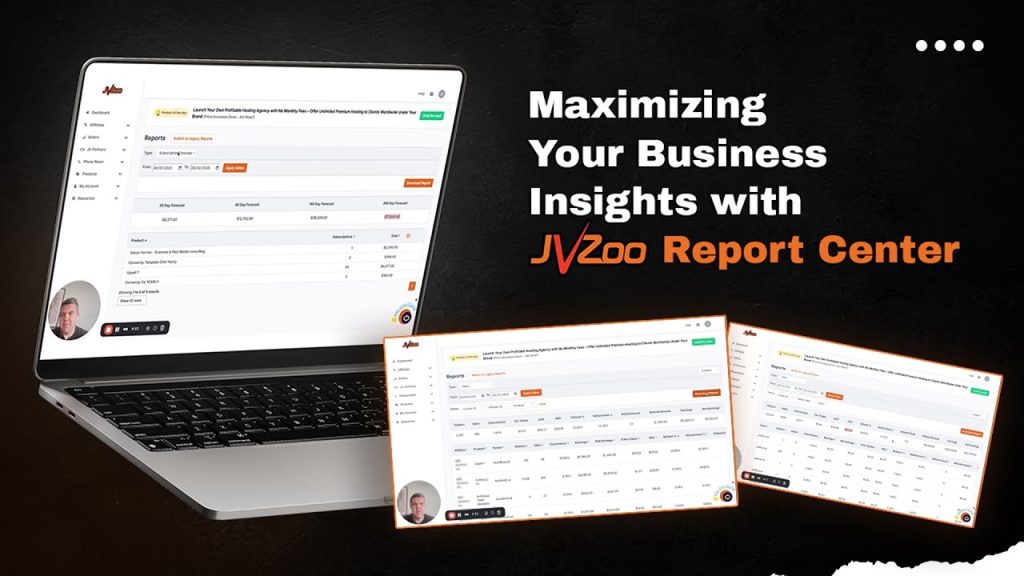
JVZoo Report Center is the vendor dashboard for transactions, sales, commissions paid, and subscriptions. Open Sellers → Report Center, pick a report type and a date range, then read fees, affiliate payouts, refunds, and estimated profit in one place.
This is the official JVZoo walkthrough. Simon Harries, co-owner, is the author of this how-to. Watch it once, then use the click path below.
Where to open it
As a vendor, go to Sellers, then Report Center. The first control is report type. The video walks Transactions, Sales, Paid commissions, and Subscriptions, plus a subscription forecast.
Pick a date range before you read anything else. Last seven days is enough to learn the screen. Use a full month when you are comparing affiliates or funnels.
| Report | What it answers |
|---|---|
| Transactions | Each sale, fees, who got paid, estimated profit |
| Sales | Affiliate, product, and funnel performance, including refunds and average order value |
| Paid commissions | What you already paid each affiliate in the range |
| Subscriptions | Recurring charges, status, last bill, next bill |
| Subscription forecast | Expected recurring revenue at 30, 60, 180, and 365 days |
Transactions: fees, payouts, refunds
The Transactions report is the ledger. For the range you picked it shows JVZoo processing fees, affiliate commissions, agent commissions if you use Phone Room, JV commissions, and estimated profit.
The top bar totals net income, fees, affiliate payouts, sales, refund count, and gross refund amount for that same range.
Columns are optional. If you do not use agents, hide that column so the row is readable. Build the report around the question you have today.
To refund a buyer from this screen, copy the pay key or the email, open Search, wait for the match, then open that row. Payout status for the people on the order sits on the same record.
Filter by affiliate when you want one promoter’s customers, revenue, and profit in a single glance. Filter by product when you want front-end vs upsell vs recurring, not the whole catalog mixed together.
Sales: who is worth a commission bump
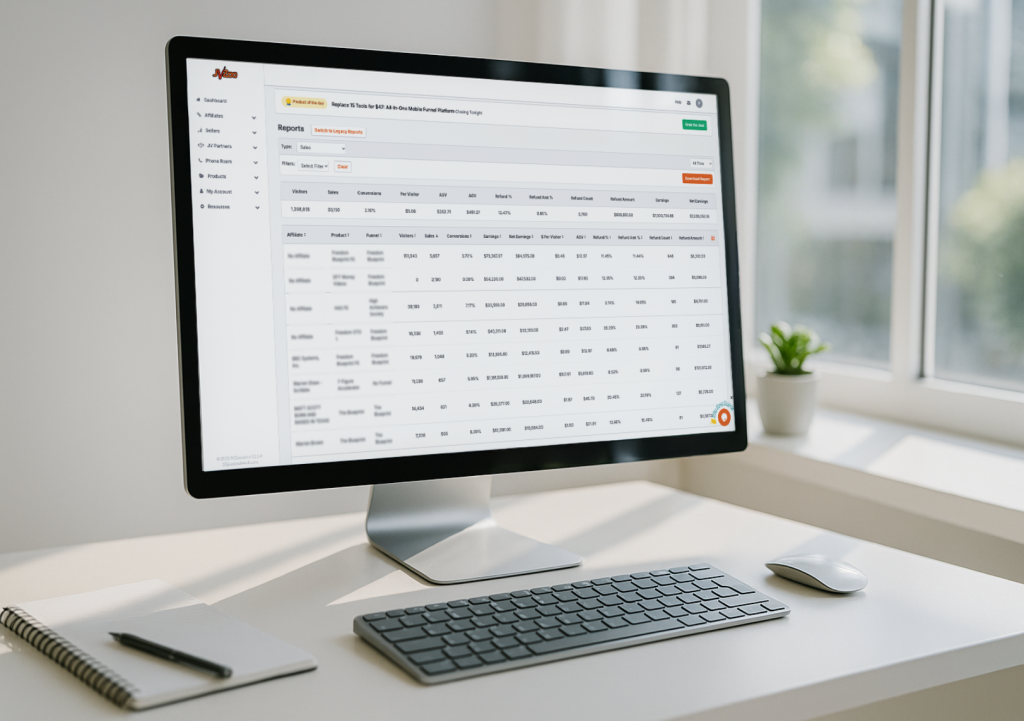
The Sales report is the same date range with more breakouts: affiliate, product, funnel, refund amount, and average order value.
Use it to see which affiliates send refunds and which ones keep buyers. One sale at a 100% refund is a different conversation than a promoter with volume and a low refund rate. That is also how you decide a commission bump instead of guessing from memory.
Filter by funnel when you want the front-end sale vs the full stack. Download a custom report if you want to sit with the numbers outside the dashboard. The video says you can take that export into your own analysis tools. The decision still happens here: keep, bump, or stop sending that traffic.
Paid commissions and subscriptions
Paid commissions is the payout confirmation: affiliate name, sales they generated, and what you already paid in the range. Filter by affiliate when you are reconciling one person.
Subscriptions lists recurring charges, status, the affiliate who sent the buyer, last billing date, and next billing date. Use it to see whose buyers stay on the product, not only who closed a front-end.
Subscription forecast projects recurring revenue at 30, 60, 180, and 365 days, with active subscription counts by product. That is the number to check before you promise a launch week you cannot support.
Order form views live on the same report
If the fight on launch day is traffic vs checkout, that split is now on the Sales report as well. Order form views and conversion rate tell you whether people reached the buy decision and whether they finished it. This article is the map of Report Center. That article is the new checkout metric.
Affiliates have a Report Center of their own under Affiliate. They can see views and conversions on the offers they promote before they mail.
If a number is missing
The walkthrough ends at support. If you need a filter that is not on the screen, write JVZoo support and ask for it. The team asked for that feedback in the video on purpose.
Log in, pick one report type, pick seven days, and make one decision from what you see.
→ Ready to see every dollar, every conversion, and every profit in real-time?
If you are doing over $5,000 in monthly sales or commissions, fill out this form to get a personal JVZoo rep who can set up comprehensive reporting for your business: Get Your Personal JVZoo Rep.
